
Healing chapped lips for portraits
Hello everyone,
Have you ever had a client come in for their session with chapped lips?
Even putting on Chapstick does not fix the defined lines that will be prominent in the photograph. When you're putting a lot of work into your portraits, you don't want something like chapped lips to throw everything off.

This tutorial explained the technique I use to heal chapped lips using Photoshop. It is not just smoothing out the lips. There are different tools in Photoshop that you can use to heal chapped lips and make them look like they were never chapped. One of the tools I used was the healing tool.
Access the membership library to see the full tutorial and techniques applied in action!

The method I use in the tutorial focuses on the lips' highlights and shadows. But, of course, when you're editing many portraits, you want to use whatever is the quickest method. Although the process I mentioned isn't the fastest, I think it's shorter than the dodge-and-burn method.
I took some extra steps after editing the cracks in them. For this tutorial, I used a straight-out-of-camera image, and in the full tutorial, you can see that I edited the luminance to restore the highlights from the healing I applied.
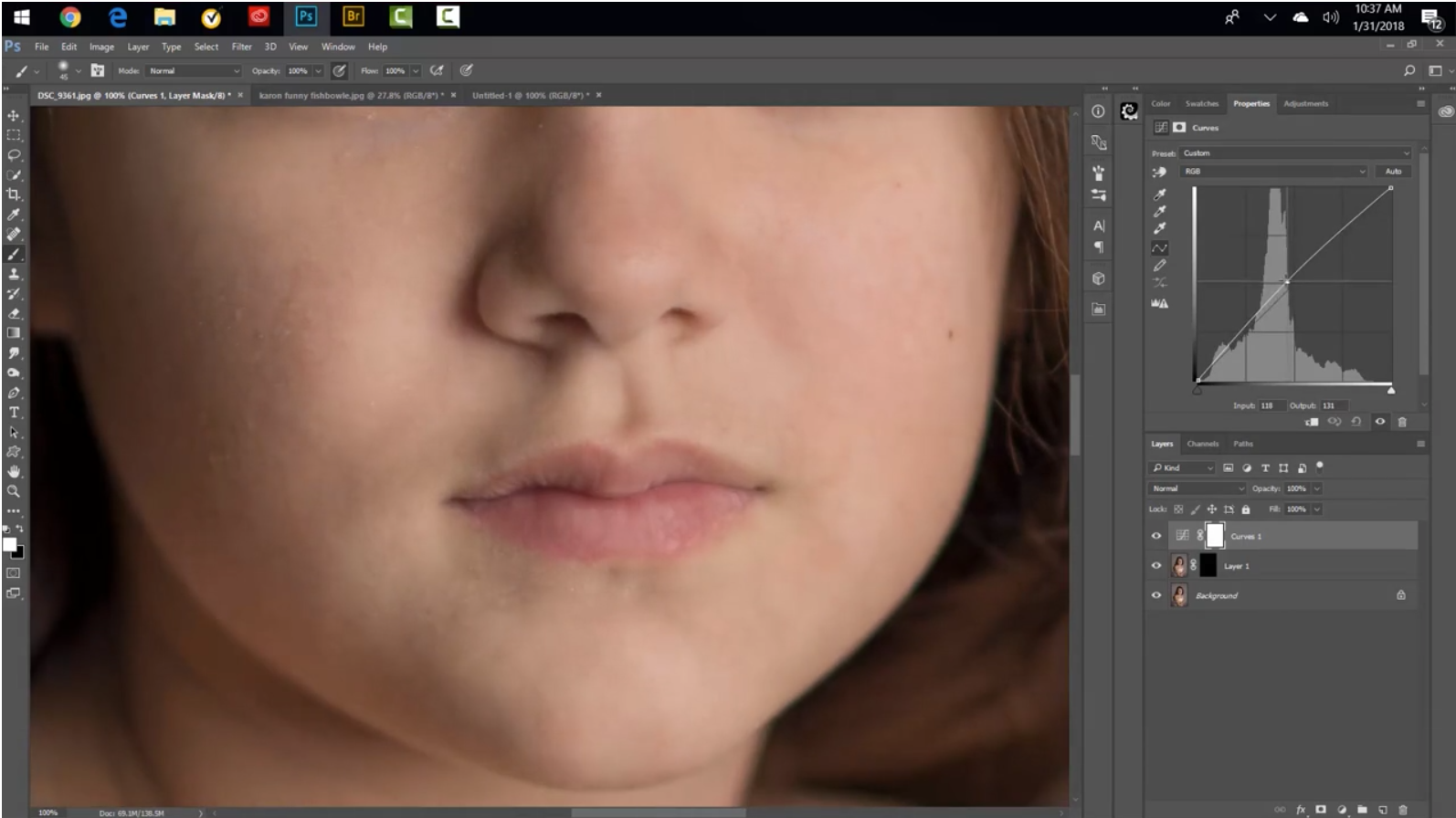
You can go in there and do as much as you want to heal the lips. If it's far away, I won't put too much work into them, especially if there are several portrait images you have to edit. I will take more time to edit if it is a close-up image.
This tutorial is a great addition to your bag of editing tricks and will help you deliver beautiful images.
Happy Editing!
Tara Lesher
Ready to keep learning with me?
This blog gives you one helpful piece of the process, but when you unlock All Access, I walk you through complete Photoshop edits that include time-saving assets.
You can pause, rewind, follow along at your own pace, and build the kind of edits you are excited to finish.
With 500+ Photoshop, compositing, portrait editing, and creative effect tutorials waiting for you, All Access gives you a full library of guidance for your next project.