4 of 8
5 of 8
What You'll Learn
Run Time: 10 min
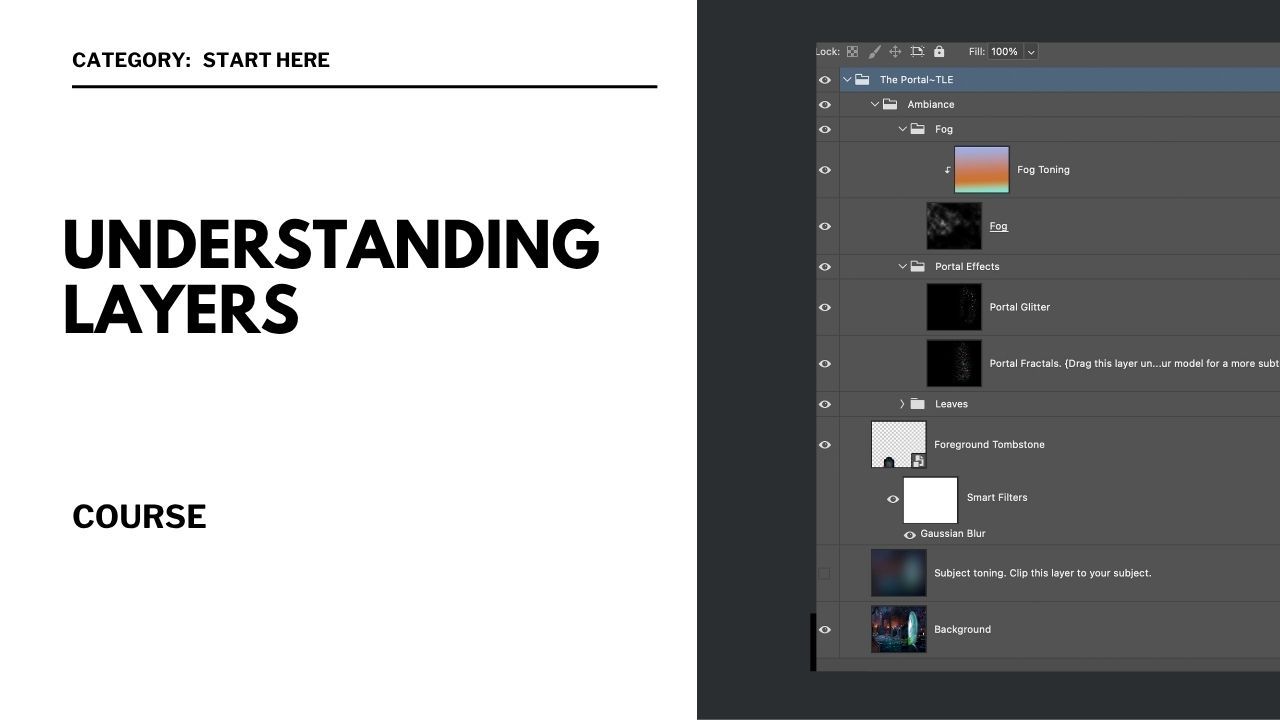
Layers Panel Overview: Understanding the layers panel and its components.
Layer Order and Stacking: Managing layer hierarchy for effective editing.
Layer Fill and Opacity: Controlling which layers and elements are visible and adjusting their transparency.
Layer Styles and Effects: Applying effects like glows to enhance your design.
Grouping and Merging Layers: Organizing your layers for a cleaner workspace and easier editing.
Layer Blending Modes: An overview of each blending mode and how it works.