7 of 8
8 of 8
What You'll Learn
Run Time: 17 min
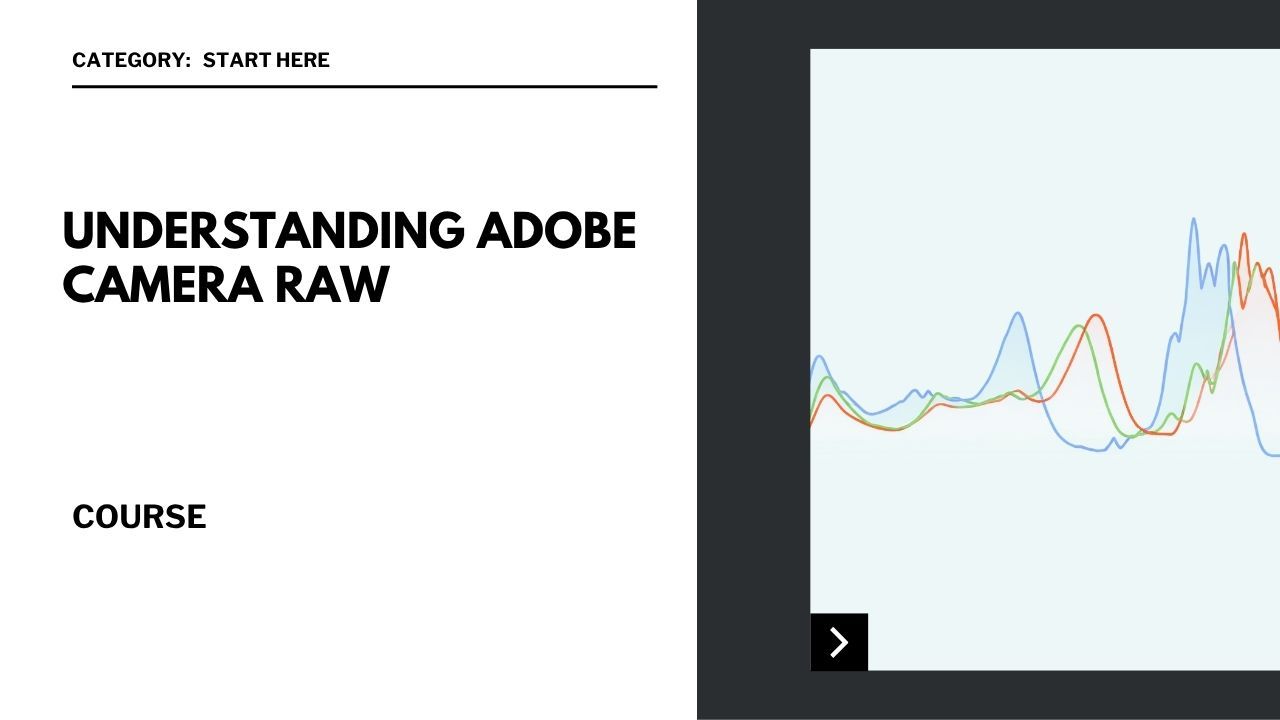
Introduction to Adobe Camera Raw: Get an overview of the ACR interface and its features.
Opening Raw Files: Learn how to open and import raw files into ACR
Basic Adjustments: Make essential adjustments to exposure, contrast, highlights, and shadows.
Color Corrections: Use white balance, vibrance, and saturation tools to enhance colors.
Detail Enhancement: Sharpen your images and reduce noise for clearer photos.
Next Step:
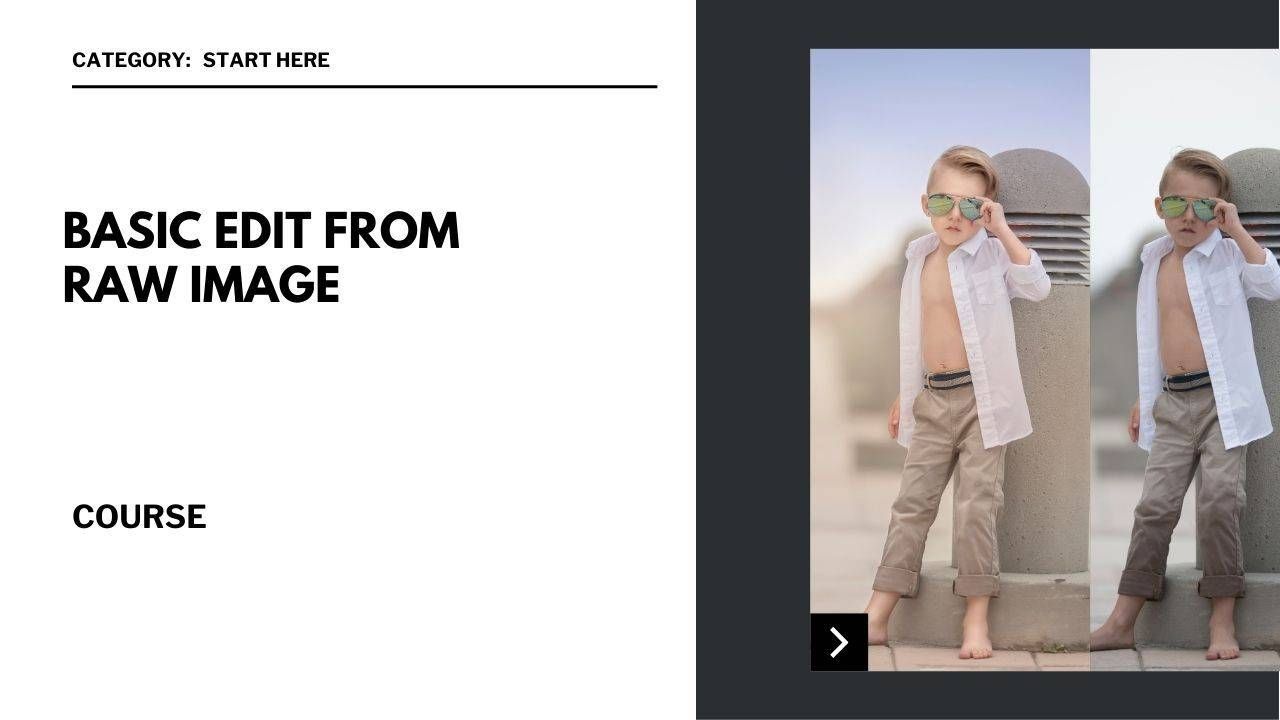
Now that you understand how to prepare your image in Camera Raw, let’s walk through a full basic edit from start to finish.