3 of 8
4 of 8
What You'll Learn
Run Time: 3 min
-
Setting Up a New Document: How do you access the New Document dialog box?
-
Choosing Document Dimensions: Selecting the right width, height, and resolution for your project.
-
Color Modes: Differences between RGB and CMYK and when to use each.
-
Background Options: How to choose a background color or transparency for your document.
-
Preset Options: Using and customizing preset templates for various project types.
-
Saving Document Presets: How to save your favorite settings for future use
Next Step:
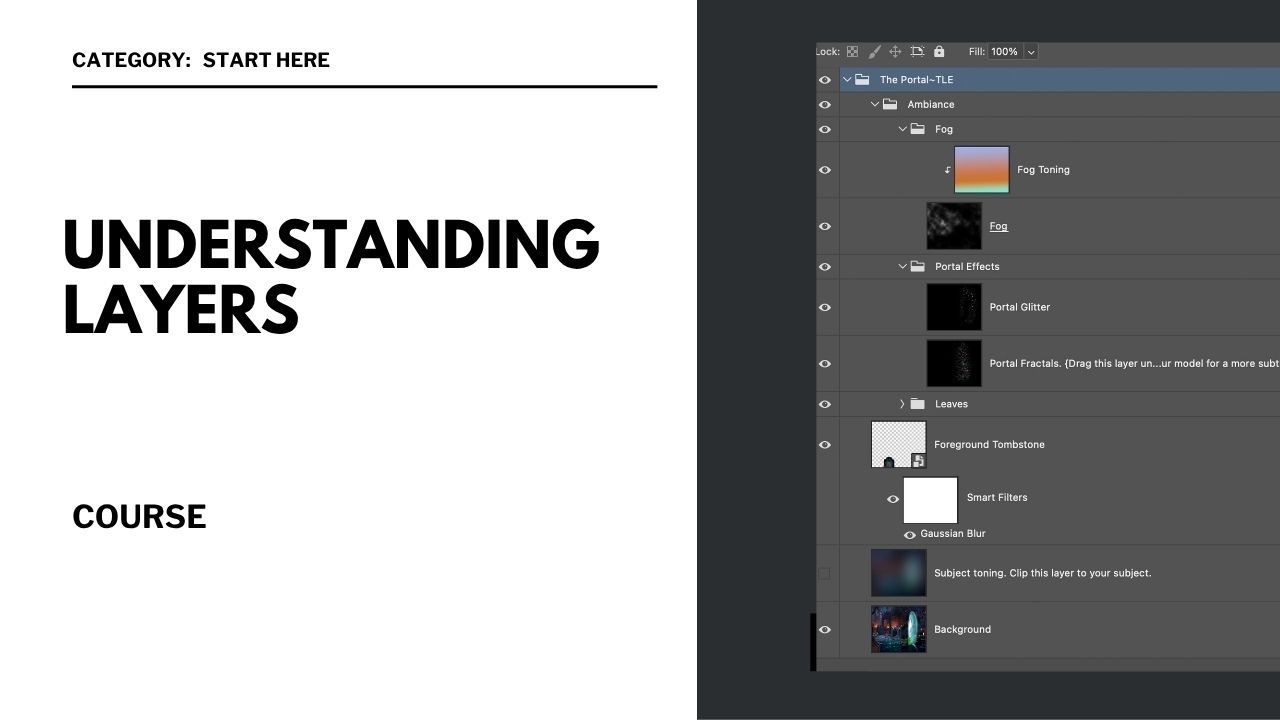
Now that your document is set up, let’s look at how everything is built and organized inside Photoshop.