2 of 8
3 of 8
What You'll Learn
Run Time: 10 min
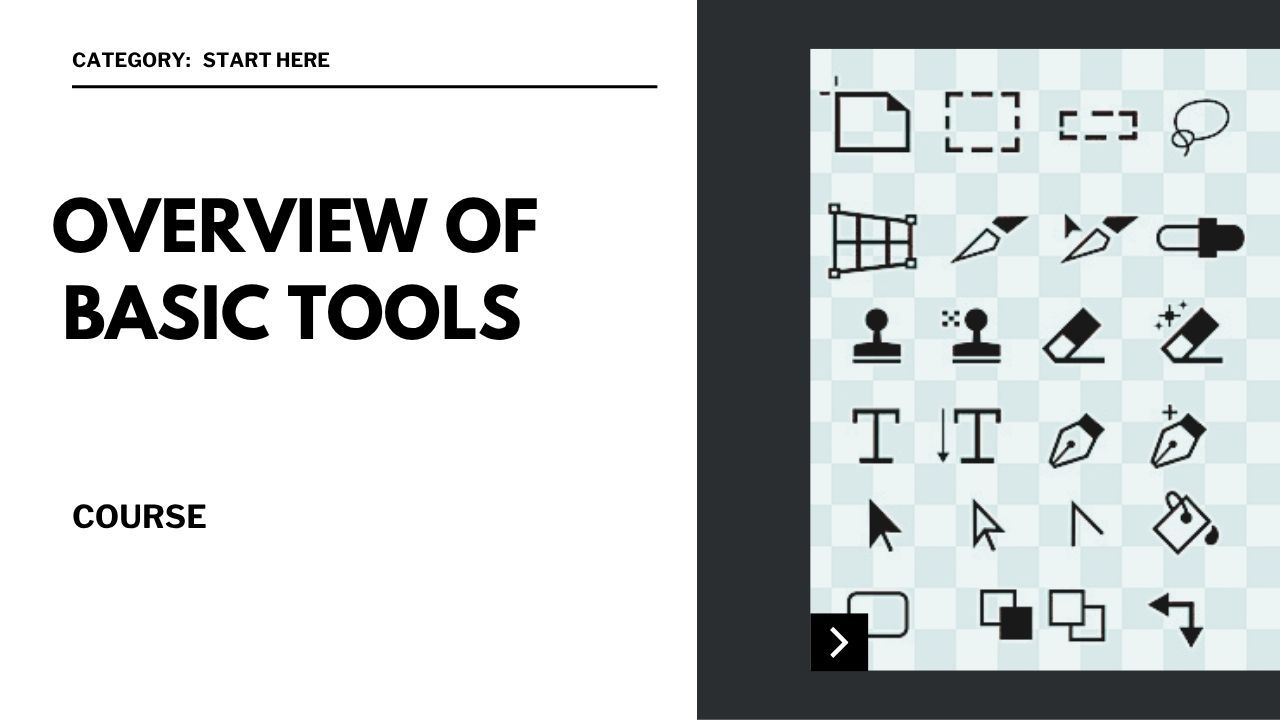
Move Tool: Learn how to select and move elements within your canvas.
Marquee Tools: Use rectangular and elliptical marquee tools for essential selections.
Lasso Tools: Make freehand selections with the lasso, polygonal lasso, and magnetic lasso tools.
Quick Selection Tools: Make and refine selections quickly.
Crop Tool: Discover how to crop and straighten your images.
Brush & Smudge Tool: Get the basics of painting and smudging with customizable brushes.
Clone Stamp and Healing Brush Tools: Explore basic retouching and image correction techniques.
Next Step:
Now that you’ve seen the tools, let’s set up a new document and start working inside Photoshop.